As a prospective student, you do not have an assigned iNumber (student ID number), so you won't have a BYU-Idaho account that you can log into I-Plan.
You will need to log into I-Plan with the prospective student church login, so you can access I-Plan, explore majors, and create a graduation plan. Below are the steps you need to take:
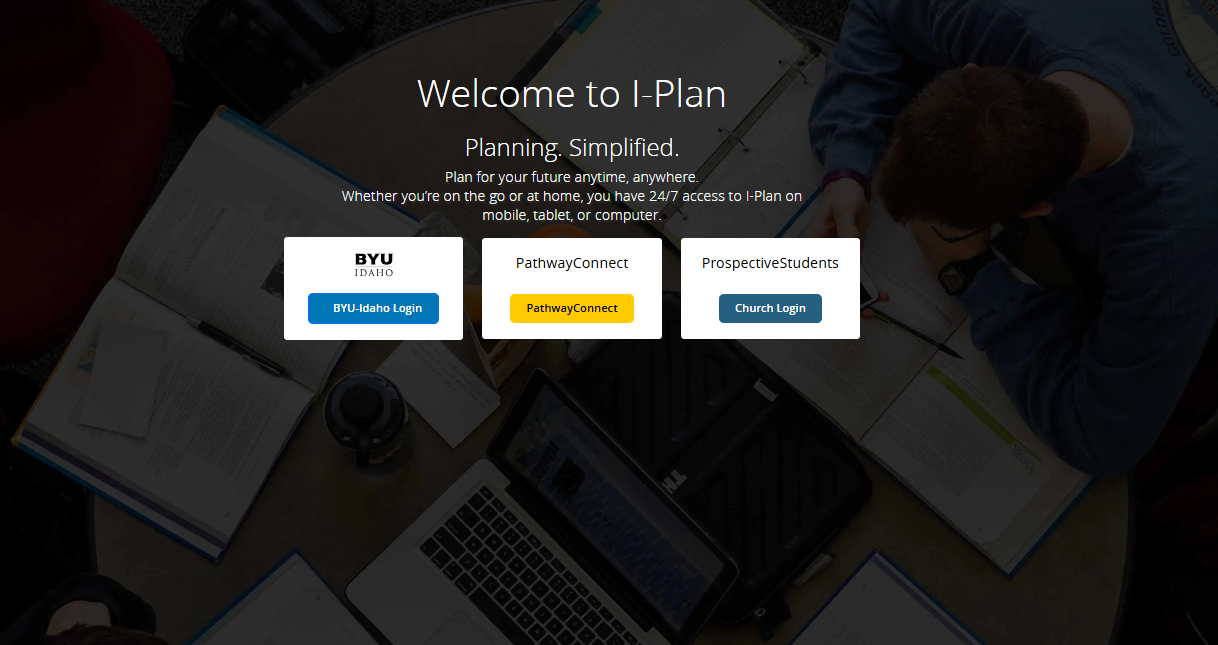
- Visit iplan.byui.edu
- Click on the "ProspectiveStudents" Church Login button
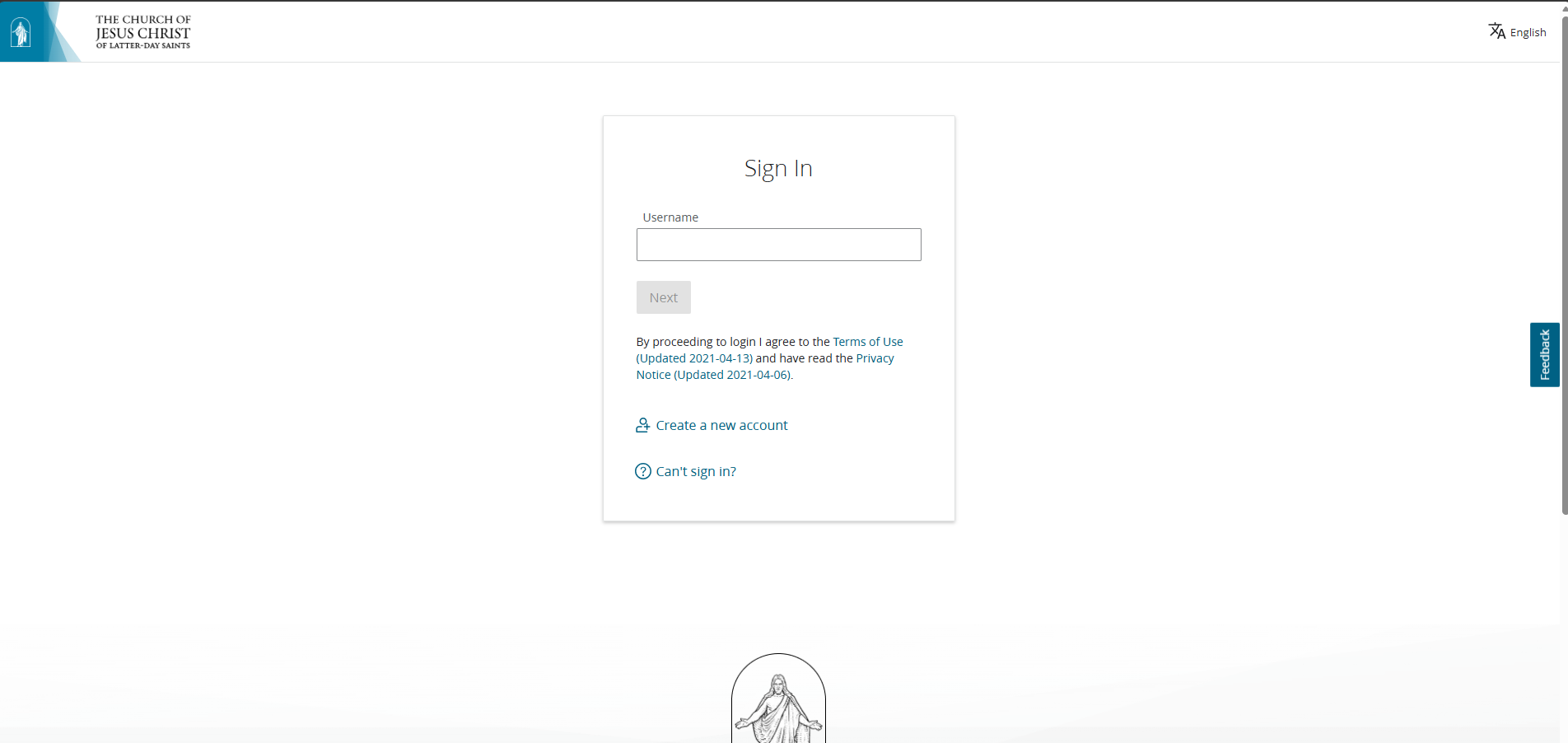
- Sign in to your church account (same username and password that you use to log in to the church "Tools" App or the churchofjesuschrist.org)
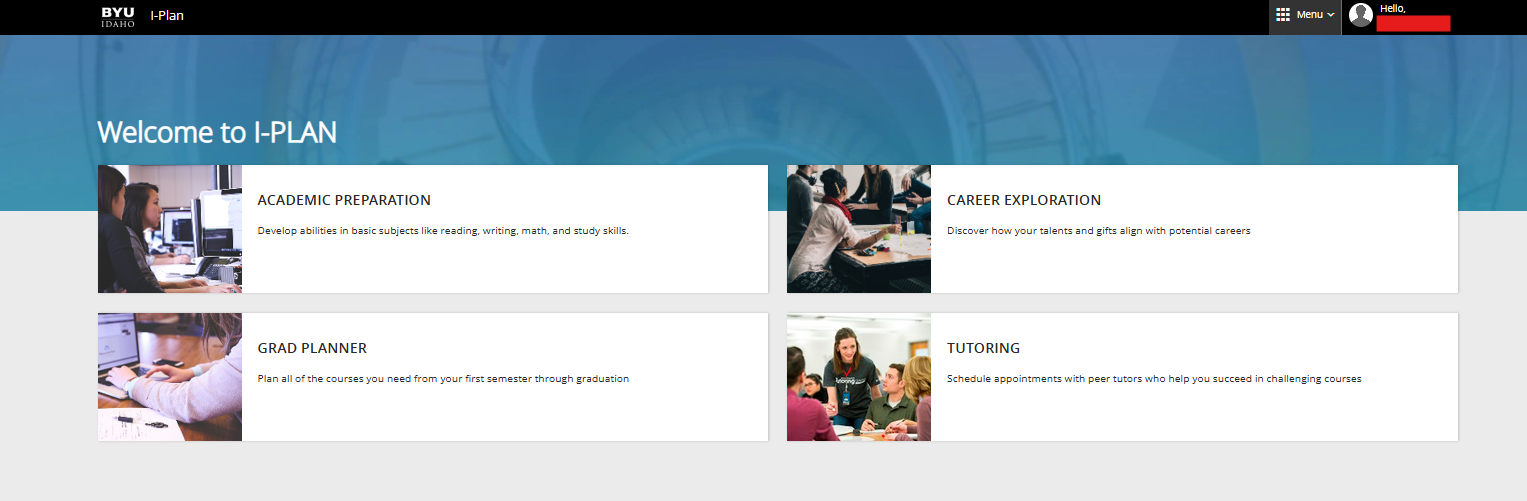
- You now have access to use I-Plan!
0 Comments
Add your comment