Go to Grad Plan.
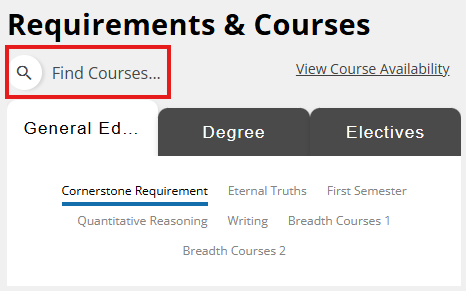
On the right side of the screen, there are Requirements and Courses tabs with a search course bar. Click on it.
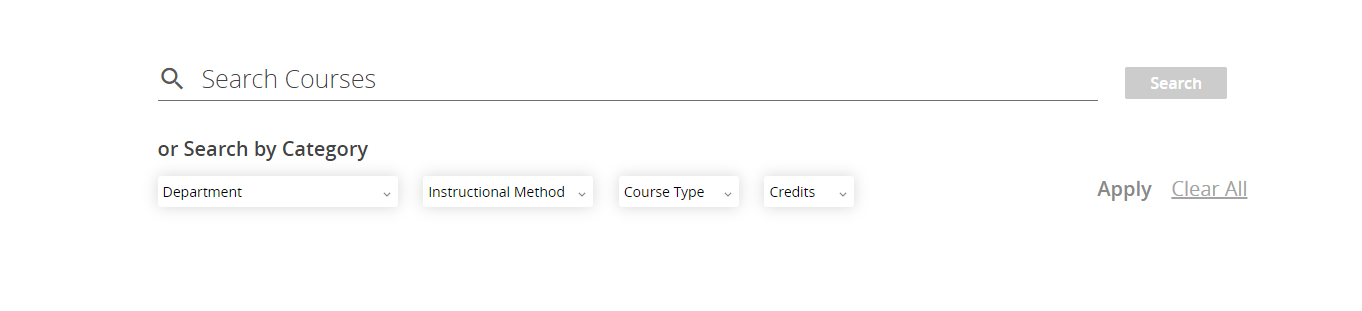
You will see search options. You can either find a specific course required or desired, or any other courses filtered by Department, Instructional Method, Course Type, or Credit Amounts.
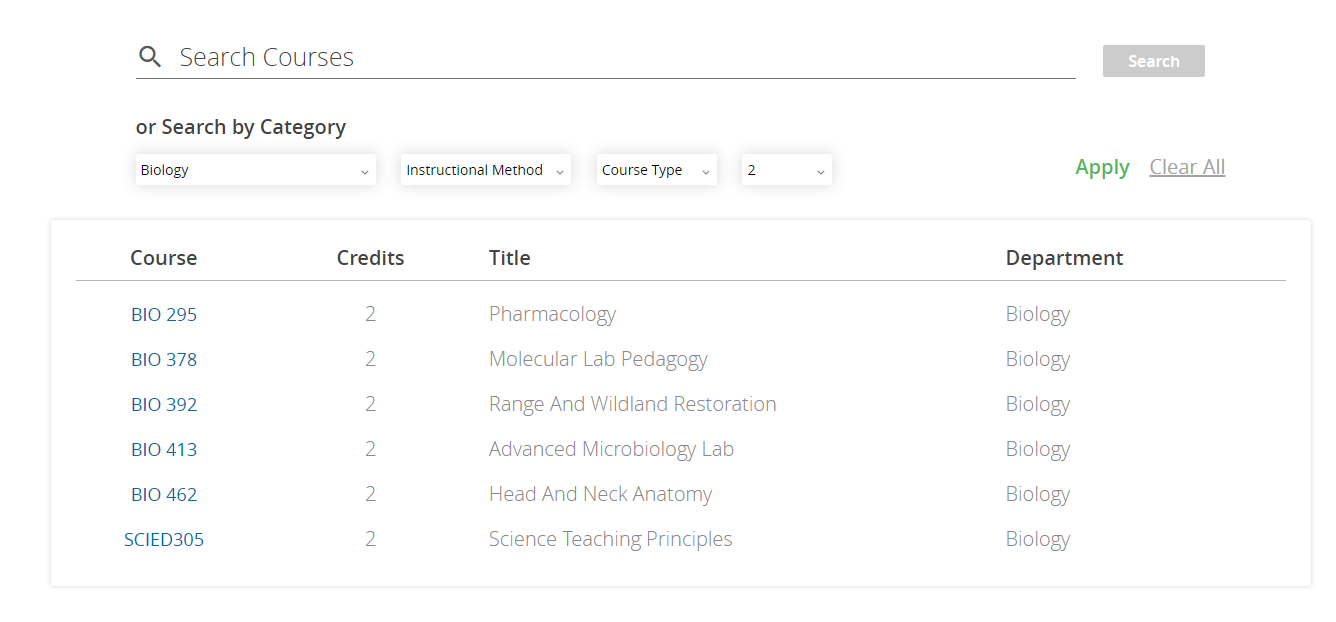
Then you will see all the courses that match your search results and filters. Click on one you need, and it will be added to your plan.