Go to I-Plan.
Career Exploration
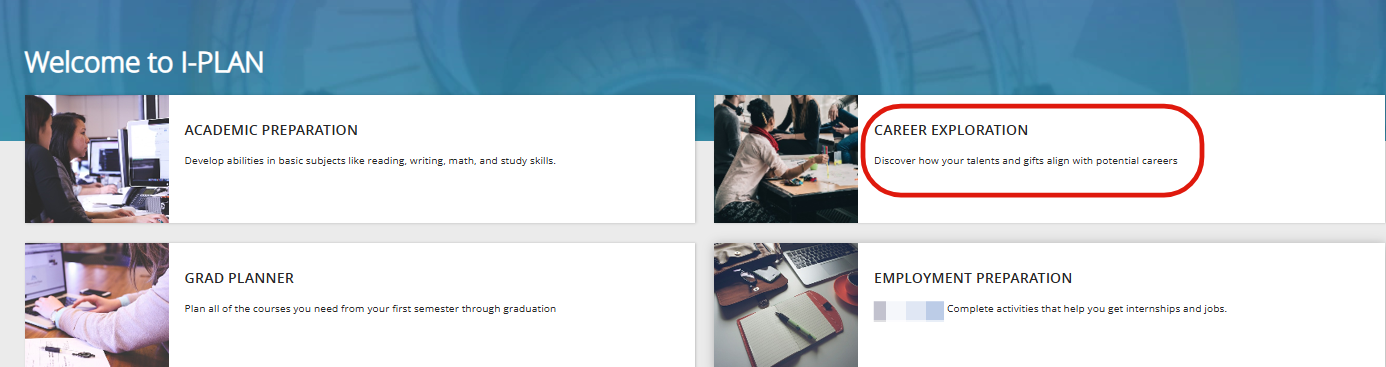
Click on Career Exploration.
The Degrees Tab
Can be accessed in two ways
From the SELF-DISCOVERY page by selecting [SEE DEGREES] to the right of any completed test
Accessing this way will filter (and sort) degrees, putting those with the highest percentage match to your test results at the top of the list
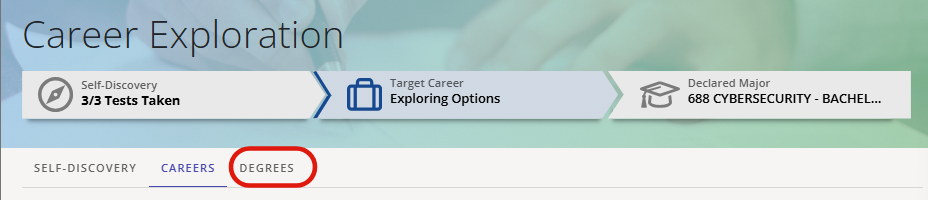

This lists degrees with related careers for each degree
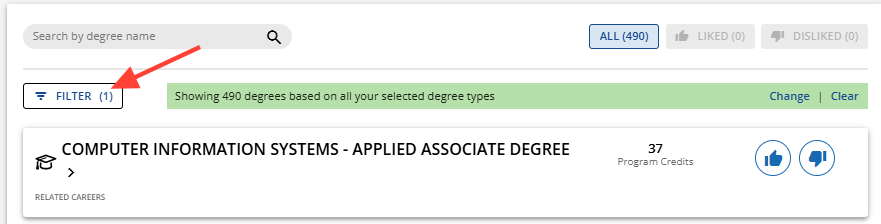
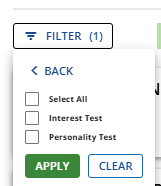
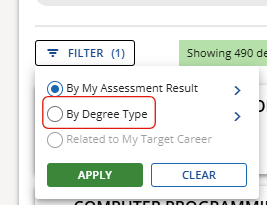
Option at the top of the page to filter based on:
Interest and/or personality test (if completed)
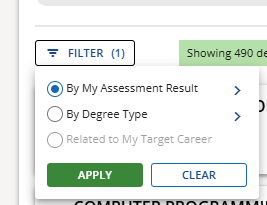
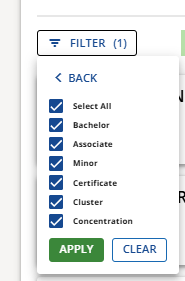
By Degree Type (Bachelor, Associate, Minor, Certificate, Cluster, or Concentration)
NOTE: Typically, only Bachelor's and Associate's degrees will appear in the listing]
Options next to each listed degree to like or dislike that career, which adds them to a list that can be accessed by clicking on the [LIKED] and [DISLIKED] buttons at the top of the page

Search bar to search for any degree by name (will only search from the filtered list)

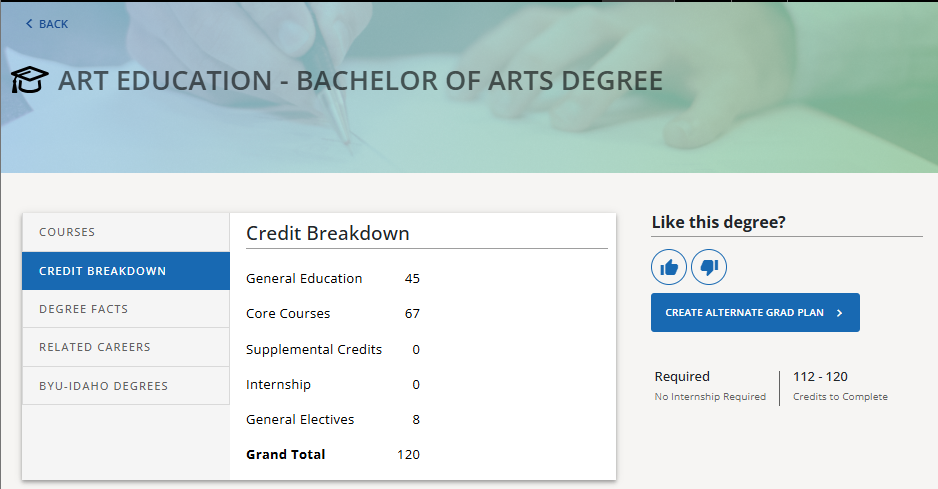
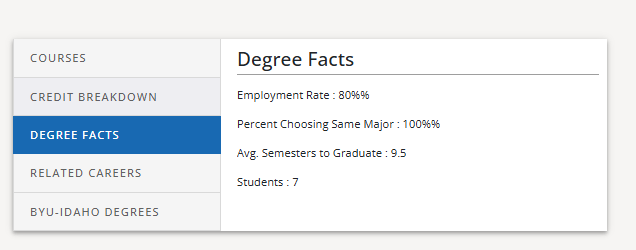
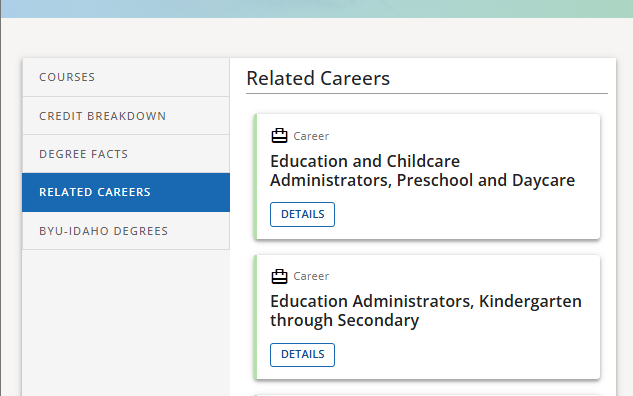
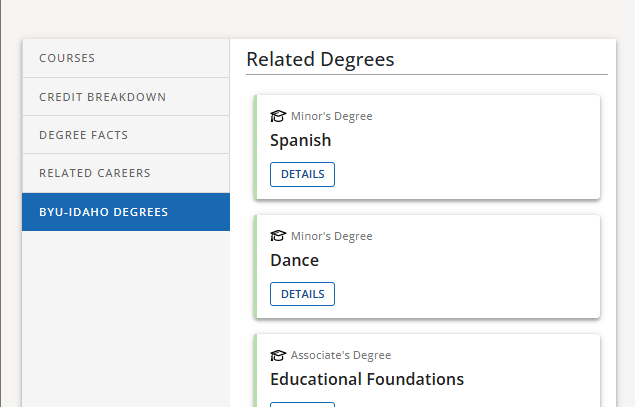
Clicking on a degree will take you to the page for that career, showing:
Courses
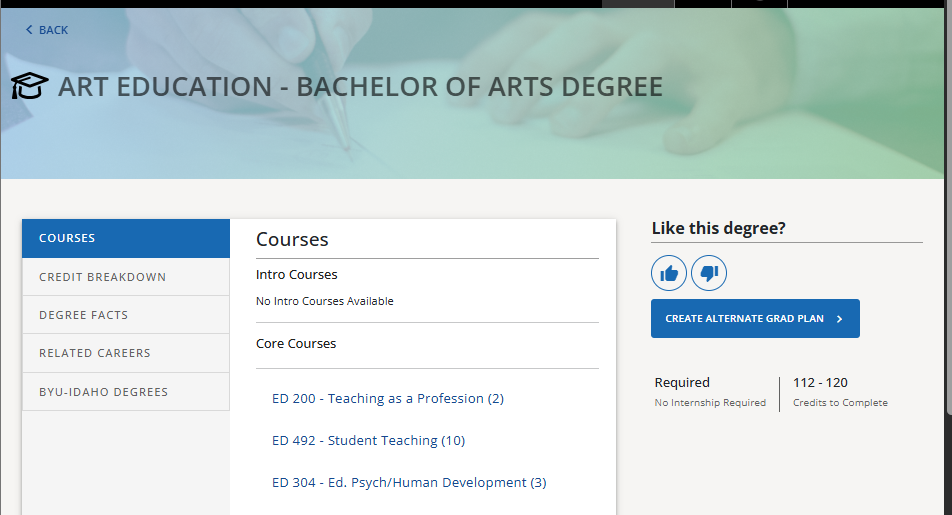
Credit Breakdown
Degree Facts
Related Careers
BYU-Idaho Degrees (related degrees)
NOTE: Not all of this information is available for each degree
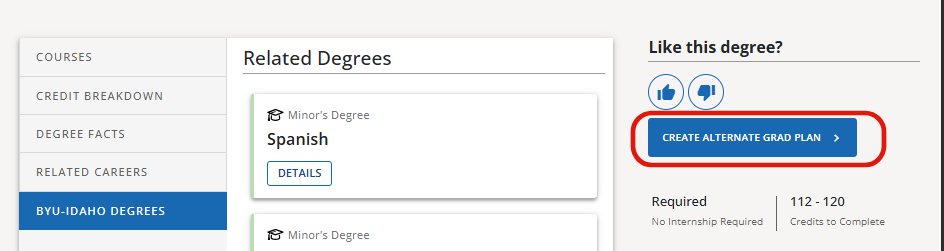
Option to create an alternate grad plan for the selected degree
0 Comments
Add your comment