Log in to IPlan.
Navigate to Grad Plan

Course Color
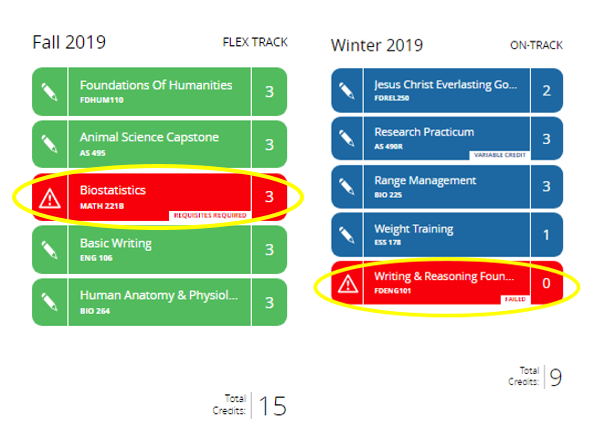
Courses will show in either Green, Blue, or Red.
Courses showing in red mean either you failed the class or the pre-/core requisites have not been fulfilled.
With a failed course, you can re-plan it for the future (follow the link for a guide).
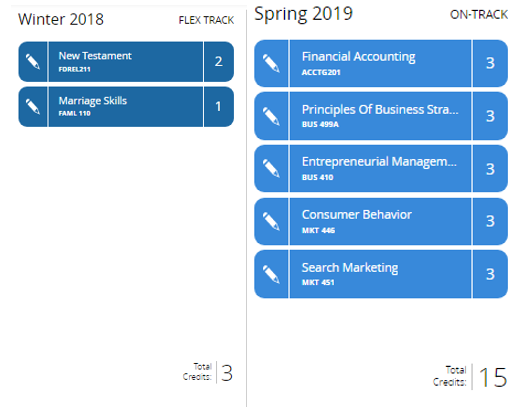
A dark blue course means the classes were taken and passed. A lighter blue means the classes are currently in progress.
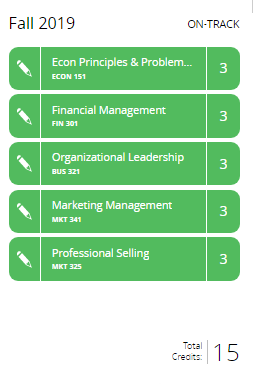
Courses shown in Green mean the classes are planned for future semesters and have no issues with planning.