1. Access your Grad Plan
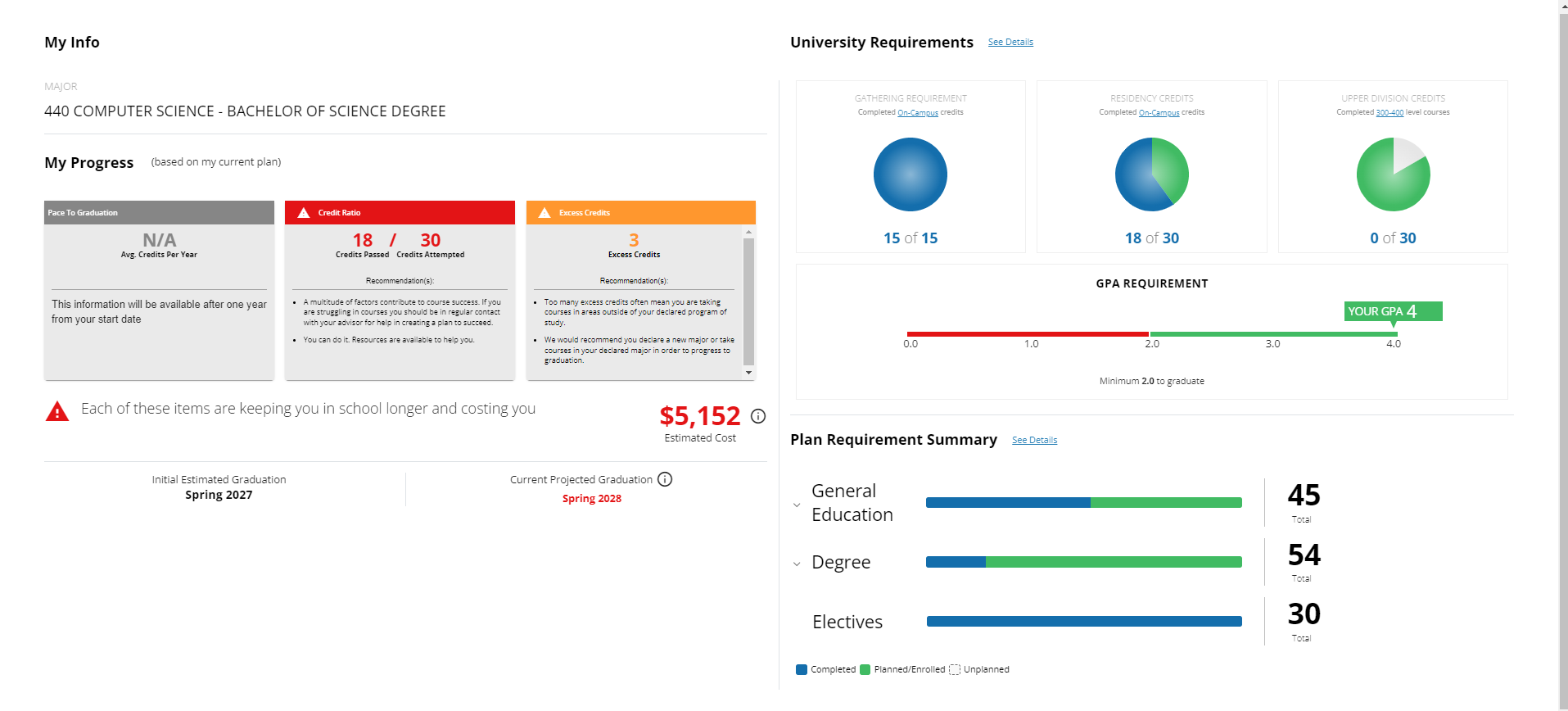
2. Click on See Details, and a new window will pop up with details of your plan.

3. There you can see your current major, minor(if applicable), your current GPA, and projected graduation.
4. You can also see how many credits are planned, completed, or unplanned for your Generals, Degree, and Elective requirements.
5. Another thing to note on this page is the pie charts of gathering, residency, and upper-division credit requirements.