Click the link below for a video version of this guide
https://video.byui.edu/media/t/1_wfrqwkc7
Declared Grad Plans have a copy planning feature. The main purpose of this feature is to help students keep the class planning they’ve already created without having to start over.
- The copy planning feature is only available on a Declared Plan.
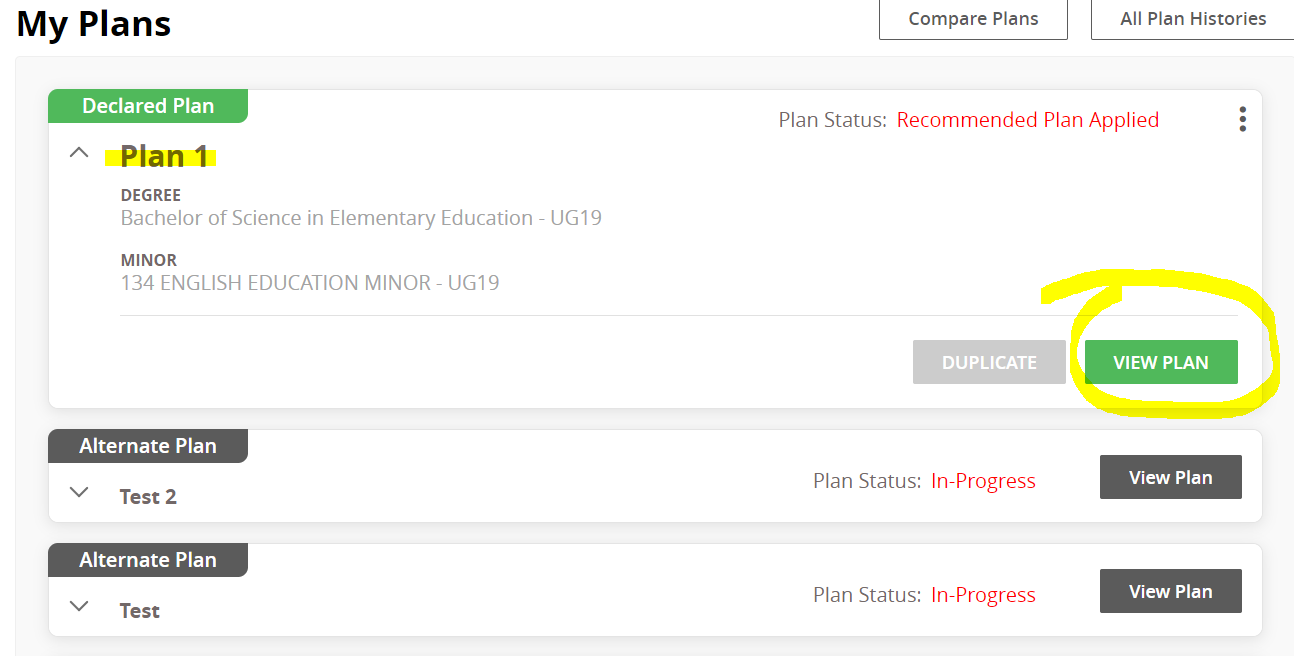
- In the Declared Plan, you will see a “Copy Planning” button. This allows students to copy the course planning from one Grad Plan to another Grad Plan they are working on.
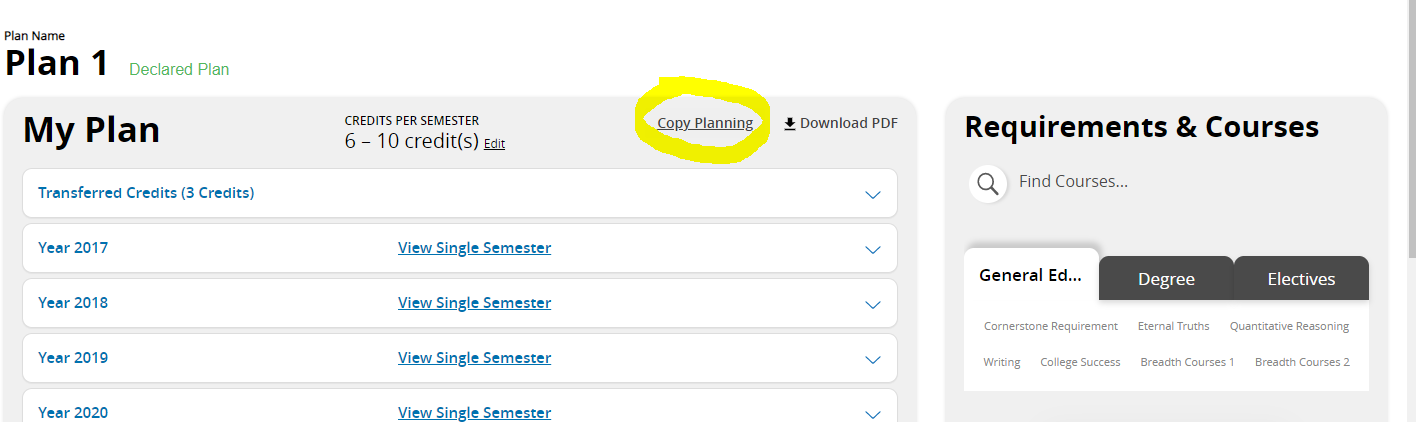
- You will see a list of Grad Plans you can copy from. This page also reminds you that you will lose any existing planning on the Grad Plan you are copying planning to when the copy is complete.
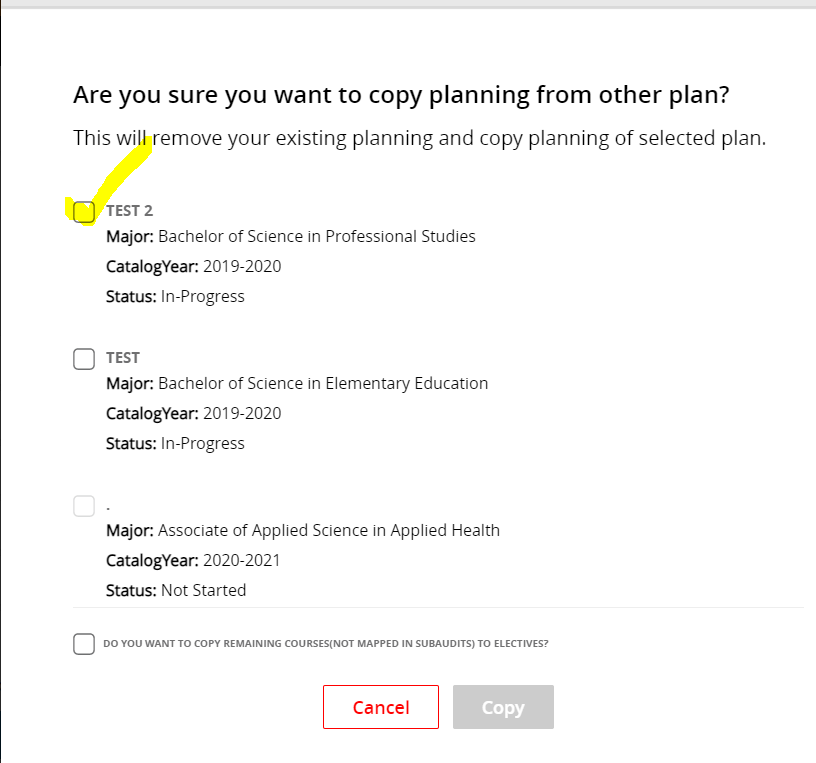
- At the bottom of this screen, there is an additional box to check if you would like to have courses that don’t fit into a requirement automatically planned as an elective. If this box is not selected, then only the required courses for the declared Grad Plan will be copied over.

- After choosing a plan, click “Copy”. The courses will now be copied over to the other Grad Plan.
0 Comments
Add your comment