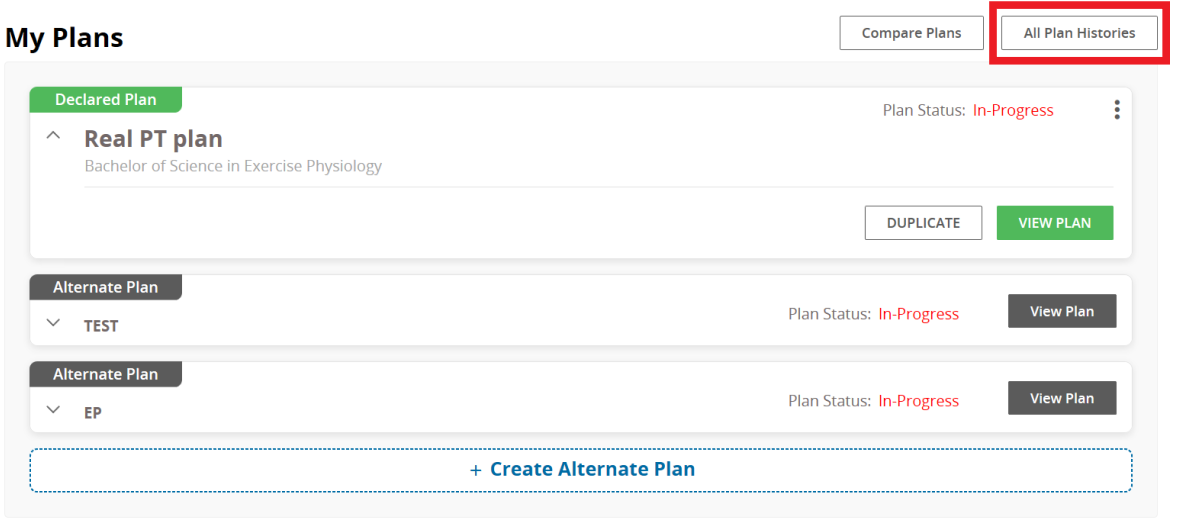
- On the "My Plans" page, you will see an option in the top-right corner to view all plan histories.
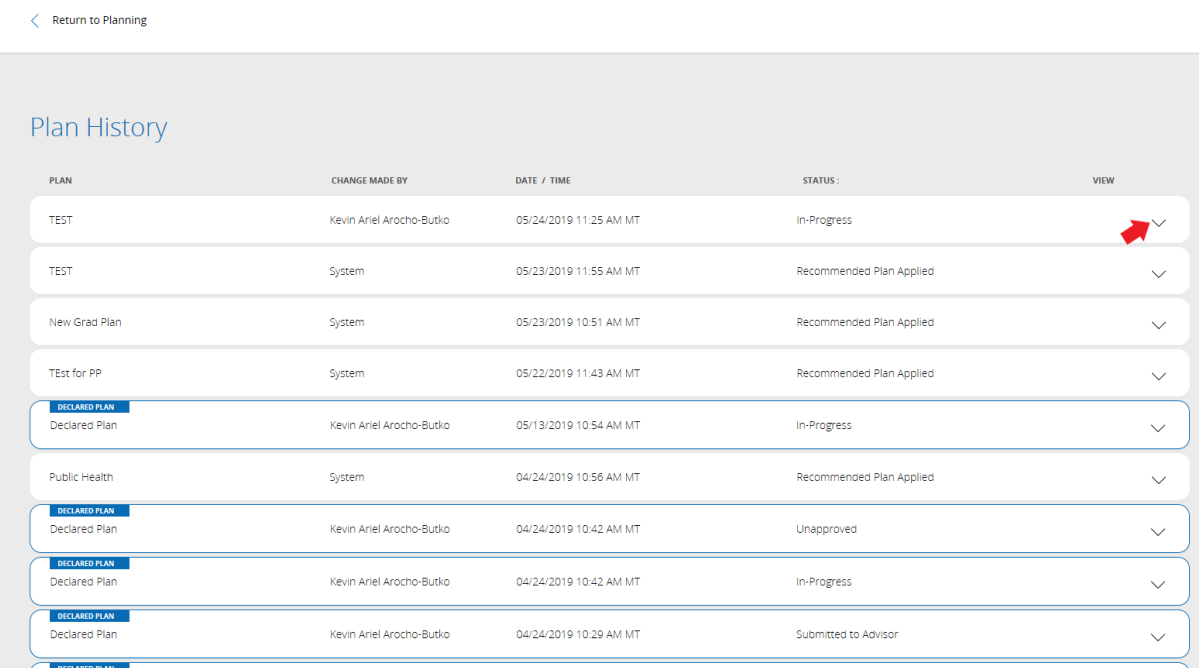
- You will then be taken to a page with your Recent and old plan changes.
- You can click on the arrows on the right to view more details.
- You can go back by clicking the "Return to Planning" button on the top left after you are done.
- You can only view your past plans, but you cannot restore them (they are permanently lost).
0 Comments
Add your comment