Log in to I-Plan
Navigate to Grad Plan

Click on "Grad Planner" to go to your Grad Plans.
Approving
- Once your classes have been planned, scroll to the bottom of the page.
- On the bottom of your plan, there will be a "Validate" button.
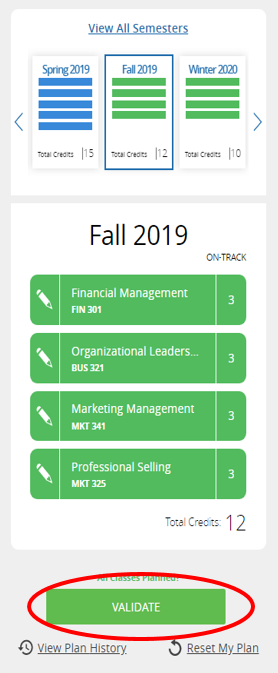
Again, make sure you have all your courses planned; otherwise, your plan will not validate or be approved.
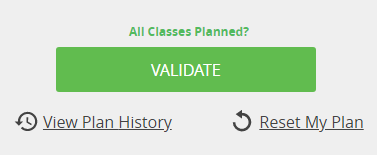
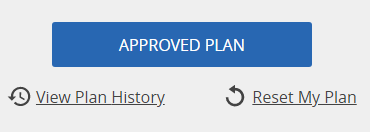
Press "Validate," and if your plan is approved, the box will turn blue and say "Approved".